
Download BeInSync – file sync, remote access, file sharing, online storage, secure sync
Overview
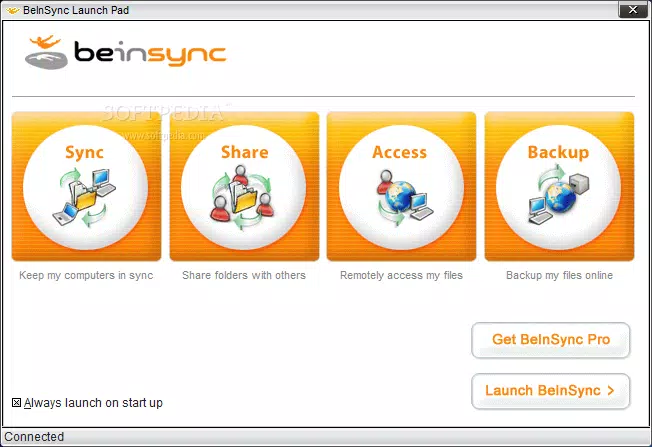
BeInSync is a file-synchronization utility designed to enable remote access to essential digital content such as email messages, web favorites, and other documents through secure online servers. The application allows users to maintain consistent access to their files across multiple devices, leveraging a web browser for seamless retrieval from any location. This functionality is particularly valuable for individuals who require uninterrupted access to their digital workspace while traveling or working remotely. The tool is positioned within the productivity category, targeting users who prioritize data availability and cross-device consistency.
BeInSync supports both private and group-based file sharing, making it suitable for personal use as well as collaborative workflows among colleagues or teams. The application’s core purpose lies in eliminating the limitations of device-specific storage by centralizing data on secure servers. Although the developer did not provide additional technical details about the underlying architecture or encryption protocols, the emphasis on secure storage suggests a focus on data protection during transmission and at rest.
Real-world use cases include accessing work emails or saved browser bookmarks while away from a primary computer, or sharing project-related files with team members without relying on email attachments. In the broader app ecosystem, BeInSync occupies a niche role among file synchronization tools, offering a lightweight alternative to cloud-based platforms with a specific focus on email and browser data integration. Despite its targeted functionality, the application’s interface and documentation present usability challenges that may affect its adoption rate among less tech-savvy users.
Key Features & Functionality
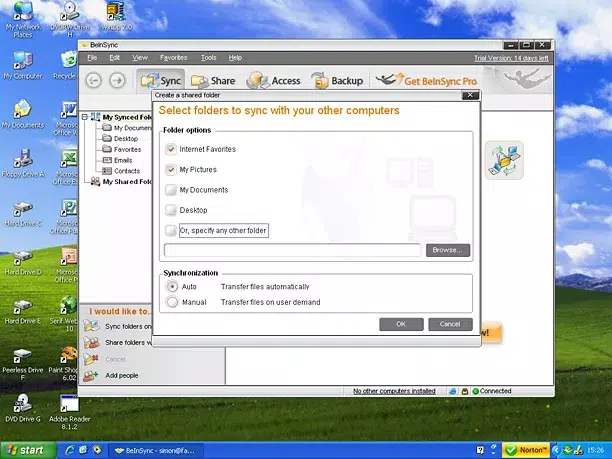
- Easy Installation and Setup: BeInSync features a guided wizard that simplifies the initial configuration process. Users can quickly create personal or shared folders ("shares") without requiring advanced technical knowledge, enabling rapid onboarding and immediate use.
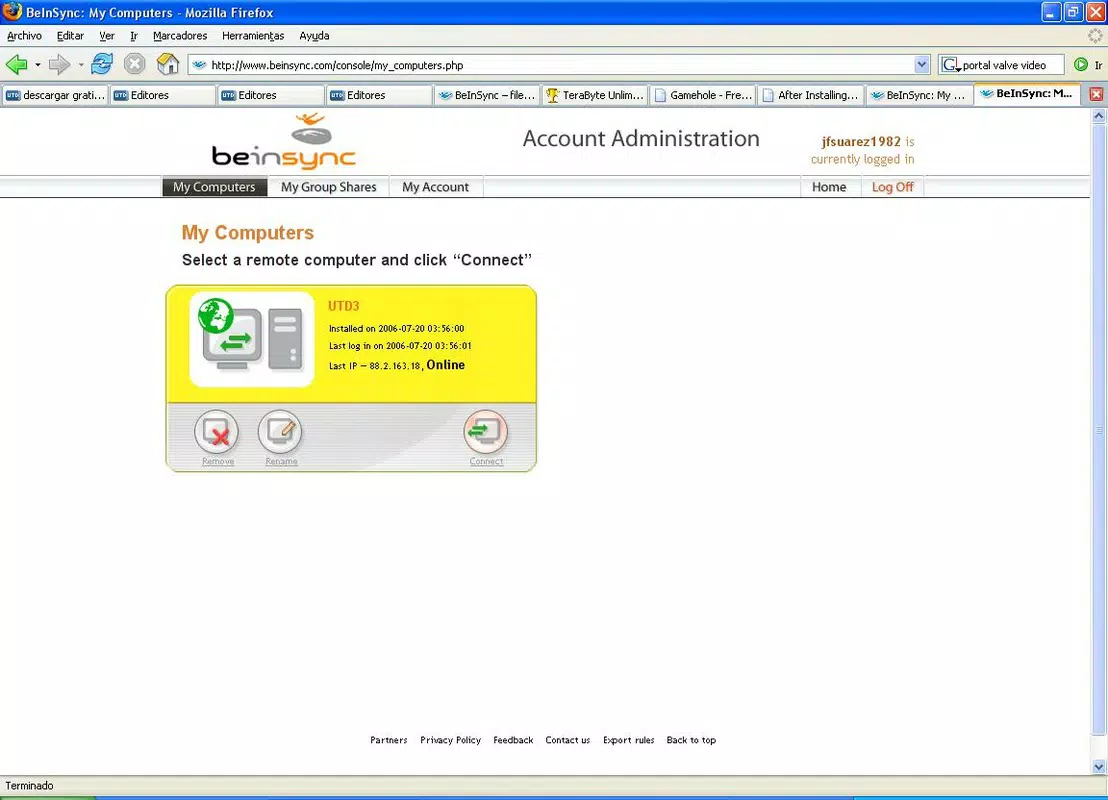
- Remote Access via Web Browser: Files stored on BeInSync’s online servers can be accessed from any device with internet connectivity and a web browser. This allows users to retrieve emails, bookmarks, and documents regardless of their physical location or device type.
- Group Sharing Functionality: The application enables users to share directories or files with others by selecting the content, entering recipient email addresses, adding a note, and sending the share. This four-step process streamlines collaboration and file distribution.
- Secure Online Storage: All synchronized data is stored on secure servers, ensuring protection against local device failures and loss. The developer emphasizes security, though specific encryption standards were not disclosed.
- Integration with Outlook and Internet Explorer: BeInSync directly syncs Outlook email messages and Internet Explorer favorites, offering native compatibility with widely used desktop applications.
For example, a user preparing for a business trip can sync their Outlook inbox and favorite web pages before departure, then access them from a hotel computer using a standard browser. Similarly, a project team can share a folder containing reference documents, with each member receiving a link and instructions via email. These use cases highlight the practical value of remote access and group sharing in real-life scenarios.
Interface, UX & Performance
The BeInSync interface presents a top-level navigation bar with View, Settings, and Status buttons, providing access to core functions. However, the layout lacks intuitive flow, and the user experience is described as inconsistent. While the core features are accessible, navigation between sections is not always predictable, potentially leading to confusion for new users.
Although the developer did not list formal performance metrics, the application’s lightweight size of 12.3 MB suggests efficient resource usage. It is expected to perform adequately on standard Windows systems, though specific performance benchmarks were not provided. The responsiveness of the interface appears stable during typical operations, but the absence of a search function in the online help documentation may hinder users seeking quick answers.
Users have reported that the help system, while informative, is difficult to navigate and lacks a centralized index. This limitation can slow down troubleshooting and reduce overall satisfaction, particularly for users who rely on self-service support. The lack of visual cues or tooltips further contributes to a steeper learning curve. Despite these issues, the application remains functional and maintains a consistent state during sync operations.
Platform Compatibility & Technical Requirements
BeInSync is designed for the Windows platform and requires a compatible Windows operating system. The current version is 1.0.2, with a file size of 12.3 MB. The developer did not specify minimum OS requirements, nor did they list supported Windows versions such as Windows 7, 8, or 10. As a result, compatibility with modern Windows systems cannot be confirmed based on available information.
Given the release date of May 10, 2004, and the absence of recent updates, users should exercise caution when installing the software on current systems. The application may encounter compatibility issues with newer security protocols, updated APIs, or modern browser standards. Additionally, the lack of official support for alternative operating systems such as macOS or Linux limits its cross-platform utility.
Pros and Cons
Pros
- Simple installation and setup process via guided wizard
- Enables remote access to files through any web browser
- Supports group file sharing with email-based invitations
- Lightweight application (12.3 MB) with minimal system impact
- Direct integration with Outlook and Internet Explorer
Cons
- Interface navigation is not intuitive and lacks visual guidance
- Online help documentation is difficult to navigate and lacks search functionality
- Does not support alternative email clients or web browsers beyond Internet Explorer
- Removal of users from group shares is not clearly supported or documented
- Outdated release date raises concerns about long-term compatibility and security
FAQ
Is BeInSync safe to download and install?
Yes, BeInSync is available as a free download and does not require payment. However, users should ensure they are downloading from a trusted source, as the application is no longer actively maintained.
Can I use BeInSync on my mobile device?
BeInSync allows remote access via web browser, which means it can be used on mobile devices with internet connectivity. However, the interface is optimized for desktop use and may not provide a seamless mobile experience.
Does BeInSync support Mac or Linux?
The developer did not specify support for macOS or Linux. The application is designed for Windows, and compatibility with other operating systems is not confirmed.
How do I update BeInSync?
As of the current release, no update mechanism is described. Users may need to manually check for new versions on the official website, though no recent updates have been released since 2004.
Is BeInSync free to use?
Yes, BeInSync is offered as a free tool. There are no in-app purchases or subscription fees associated with the application.
Final Thoughts
BeInSync remains a functional tool for users seeking remote access to email messages, web favorites, and files through secure online storage. Its straightforward setup and group sharing capabilities offer practical benefits for individuals and small teams who rely on consistent access to digital content. While the application’s interface and documentation present usability challenges, its core functionality remains relevant for those comfortable with older software environments.
Despite its age and lack of modern features, BeInSync serves as a viable option for users who prioritize simplicity and direct integration with Outlook and Internet Explorer. For those needing a lightweight, no-cost solution for file synchronization and remote access, the app delivers on its primary promise. However, users should be aware of potential compatibility issues and security concerns due to the long time since its last update.
Download BeInSync now


